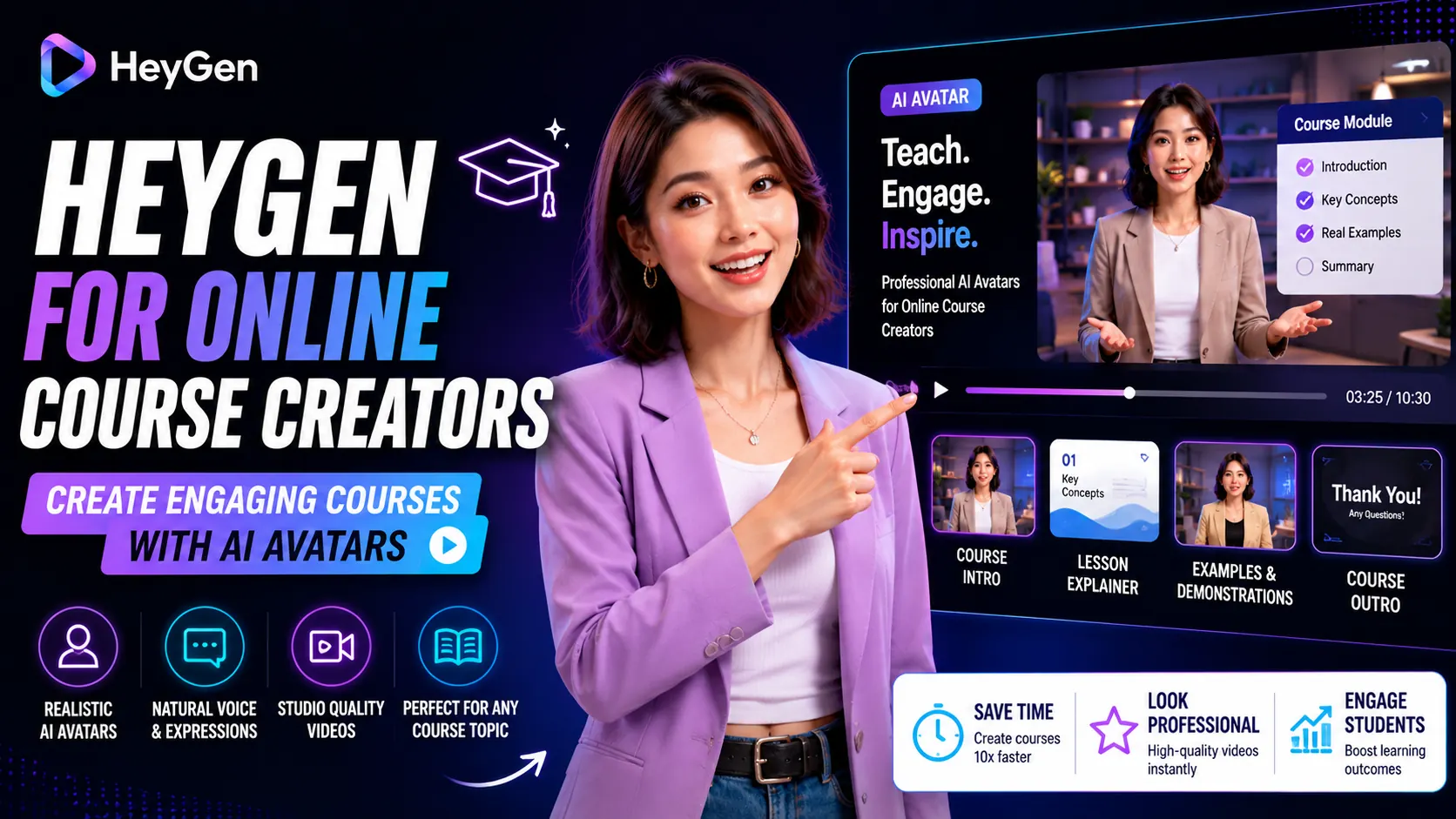
Online course creators face a specific production paradox: the more courses they build, the more video they need — and video production is the single biggest bottleneck in the entire workflow. Recording, re-recording, editing, color grading, audio cleanup — for every hour of finished course content, creators typically spend 3-5 hours in production.
HeyGen offers a different model: write the lesson, generate the presenter video, move on. In 2025, a growing number of Udemy instructors, Kajabi course creators, and corporate L&D teams are using this workflow to scale their catalogs without scaling their production hours.
The Course Creator Production Problem
A typical 10-hour course requires 10+ hours of raw recording. Add re-takes for mistakes, audio issues, and continuity errors, and the real recording time is often 15-20 hours. Then add editing: trimming, cuts, B-roll, lower thirds, and audio normalization. A 10-hour course can consume 40-60 hours of total production time from recording to delivery.
For creators building 3-4 courses per year, this production load leaves little time for curriculum development, marketing, or student support. Something has to give — and it is usually course quality or output frequency.
How HeyGen Fits the Course Creator Workflow
HeyGen replaces the filming step. Instead of recording yourself, you:
- Write your lesson script (or outline and expand with AI assistance)
- Select your avatar — a custom avatar trained on your own face, or a professional stock presenter that matches your course brand
- Add voice cloning so the avatar speaks in your voice (Creator plan)
- Generate the lesson video — 10-15 minutes per module
- Add slides, screen recordings, and captions in your editor
The result: a presenter video for every lesson, in your voice and likeness, produced in roughly 25-30% of the time traditional recording would take.
Key HeyGen Features for Course Creators
Custom Avatar Training
Record 5-10 minutes of yourself speaking to camera. HeyGen processes this footage (24-48 hours) and creates an AI replica of your face, expressions, and movements. From that point, your lessons are delivered by your digital twin — maintaining the personal connection students expect from you without requiring you to be on camera for every module.
Voice Cloning
Pair your custom avatar with a cloned version of your voice. Record a clean 2-minute audio sample and HeyGen trains a voice model that preserves your cadence, tone, and natural delivery. Students hear you — the AI reads your script in your voice.
Video Translation for Global Courses
HeyGen’s translation feature with lip-sync converts your English course into Spanish, Mandarin, Portuguese, or any of 175+ languages. Platforms like Udemy actively promote localized courses in non-English markets. A Spanish version of your existing course is often faster to build with HeyGen than to record a second English version would be.
Realistic Workflow: 5 Course Modules in One Day
With HeyGen integrated into your course production:
- Morning: Write 5 lesson scripts (6,000-8,000 words total) — 3-4 hours
- Lunch break: Submit all 5 scripts to HeyGen, set avatar and voice — 30 minutes
- Afternoon: Videos render (passive time). Meanwhile: create slides, record screen captures, prepare quizzes.
- Evening: Combine presenter videos with slides in editor, add captions, export — 2-3 hours
Result: 5 finished course modules in one working day. Traditional recording and editing for the same output would typically require 3-4 days.
Where HeyGen Works Best in eLearning
- Concept explanation modules — factual content where clarity matters more than charisma
- Software tutorials — pair an AI presenter intro with a screen recording walkthrough
- Compliance and HR training — standardized content that needs consistent delivery at scale
- Language courses for global audiences — leverage translation to serve multiple language markets from one recording effort
Where It Falls Short
- Coaching and mentorship content: Students paying for personal coaching expect real human presence. AI avatars work for course modules, not for high-touch coaching relationships.
- Live Q&A replacement: HeyGen produces asynchronous content only. It does not replace live interaction components of your course delivery.
Pricing for Course Creators
The Creator plan at $29/mo ($24/mo annual) is the right entry point for most course creators. It includes:
- Unlimited standard avatar videos — cover every module in your catalog
- 1080p export — standard for eLearning platforms
- Voice cloning — maintain your brand voice across all modules
- Video translation — 175+ languages for global market expansion
- 1 custom avatar — your face, your presence
Pros and Cons for Course Creators
- Pro: Dramatically reduces recording time — scripts become videos without camera sessions
- Pro: Custom avatar preserves your personal brand presence
- Pro: Voice cloning maintains authentic delivery in your voice
- Pro: Video translation opens global course markets
- Con: Custom avatar setup requires 24-48h processing time
- Con: Not ideal for coaching or high-touch course content
- Con: Emotional range limits work for motivational/coaching modules
Verdict
For course creators building structured educational content — tutorials, explanations, process guides — HeyGen is a genuine production multiplier. The combination of custom avatar and voice cloning preserves what makes your teaching distinctive while eliminating the hours-per-module filming overhead.
Test with the free plan on one module first. If the custom avatar quality meets your standard, the Creator plan pays for itself within the first course update cycle.
Frequently Asked Questions
Can I use HeyGen videos on Udemy and Teachable?
Yes. HeyGen exports standard MP4 files that upload to any eLearning platform. Check the platform’s terms on AI-generated content — most allow it with disclosure.
How realistic does the custom avatar look in course videos?
With Avatar IV and a quality training recording, the custom avatar is very convincing for informational content. Students familiar with you will recognize the resemblance, though subtle differences from real footage are noticeable on close inspection.
Do I need to reshoot if I update my course content?
No. You update the script and regenerate the avatar video. No filming, no studio booking, no re-recording sessions.
Can HeyGen translate my course into other languages?
Yes. HeyGen’s video translation feature converts existing videos into 175+ languages with lip-sync on the Creator plan and above.