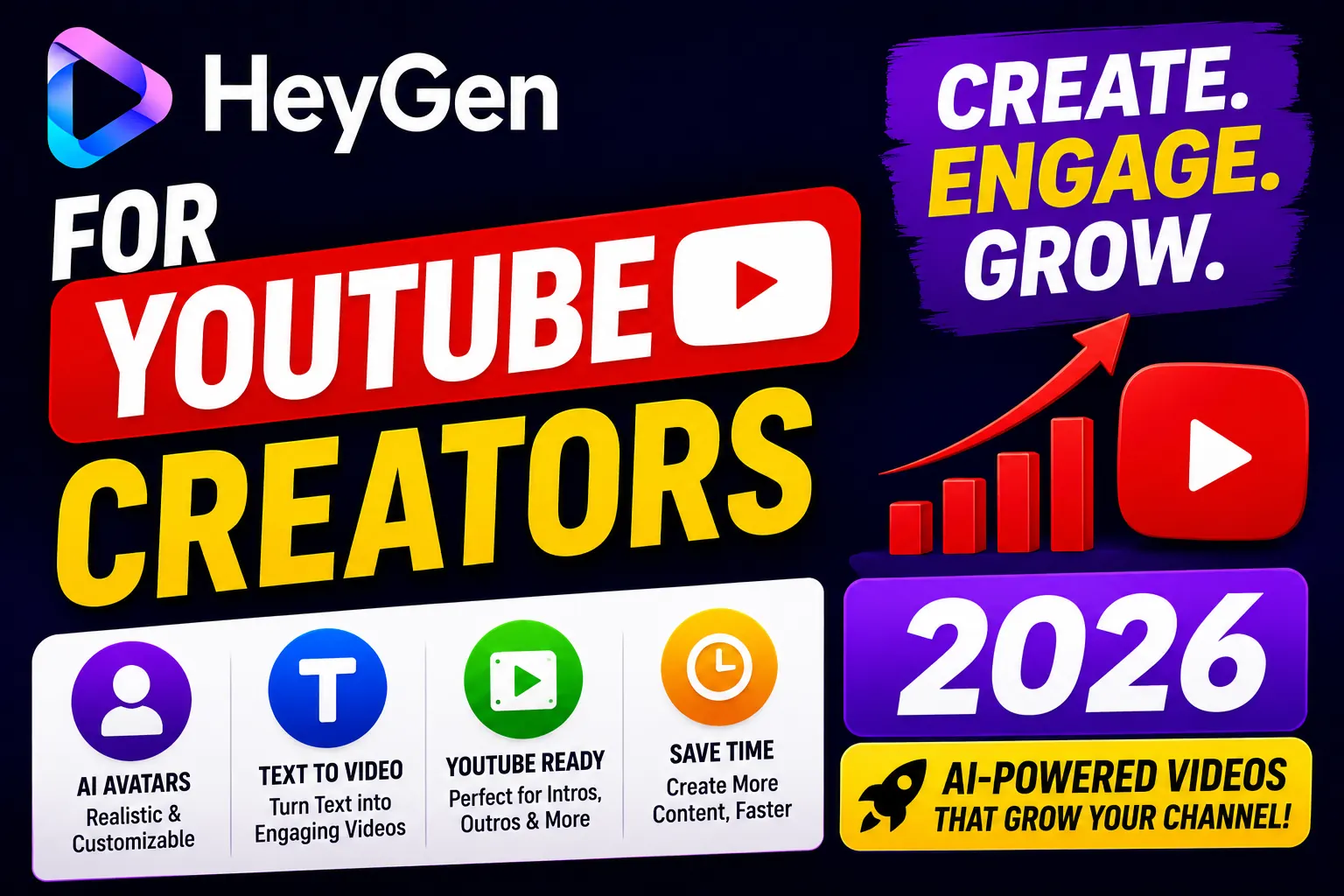
YouTube channels live and die by output consistency. Miss a week and watch your analytics crater. Hire a video editor and blow your monetization revenue before it starts. Record every video yourself and you are the bottleneck — forever.
HeyGen offers a third path: AI-generated videos where your avatar does the talking, your cloned voice does the narrating, and your production schedule becomes a matter of script writing rather than camera availability. But is it actually usable for YouTube? I tested it specifically for the channel creator workflow in 2026.
How YouTube Creators Use HeyGen
The core use case is straightforward: instead of recording yourself, you create an AI avatar that looks and sounds like you (or a custom persona), then feed it your scripts. The output is a polished talking-head video you can edit, add B-roll to, and upload.
In practice, YouTube creators are using HeyGen for four main content types:
- Tutorial videos — step-by-step explainers where the presenter guides viewers through a process. Avatar IV’s natural gestures work well for this format.
- Product reviews — structured review content with a consistent presenter persona, ideal for affiliate-monetized channels
- Listicle videos — “Top 10” style content that pairs well with HeyGen’s Text-to-Video feature
- Multilingual versions — translating your existing videos into Spanish, Mandarin, or Hindi to expand your global subscriber base
Setting Up Your YouTube Avatar with HeyGen
HeyGen offers two approaches for YouTube creators:
Option 1: Use a Stock Avatar
HeyGen’s library includes 700+ stock avatars in diverse styles — professional, casual, animated characters, and realistic presenters. For faceless channels or channels built around a persona rather than a real person, stock avatars work immediately without any setup.
Option 2: Build a Custom Avatar (Creator Plan+)
The more powerful option: record a short video of yourself (5-10 minutes) and HeyGen builds an AI replica of you — your appearance, your facial expressions, your movement style. Combine this with voice cloning, and your channel’s avatar is indistinguishable from recorded footage to casual viewers.
This approach takes about 24-48 hours for HeyGen to process your training footage, but the result is a reusable asset you can use across unlimited videos on the Creator plan.
The Voice Cloning Advantage for YouTube
Consistent brand voice is one of the most underrated factors in YouTube channel growth. Subscribers recognize your voice before they see your thumbnail. HeyGen’s voice cloning — available on the Creator plan — lets you preserve that recognition even when the video is entirely AI-generated.
Record a clean 2-minute audio sample once. After that, every script you feed HeyGen gets narrated in your actual voice. For tutorial channels, review channels, and educational content, this is a genuine production accelerator.
Video Translation: Grow Your Global Audience
Most YouTube creators only publish in one language, missing enormous audience segments. HeyGen’s video translation feature changes this calculus entirely.
Upload your finished English video and HeyGen produces a Spanish, Mandarin, French, or Hindi version with accurate lip-sync and natural-sounding audio — in your cloned voice, adapted to the target language. What used to require hiring a translator, a dubbing studio, and a video editor now takes under an hour.
For channels targeting international growth, this single feature can double or triple your potential subscriber base without doubling your production time.
Real Workflow: 5 YouTube Videos Per Week with HeyGen
Here is a realistic production workflow for a creator using HeyGen on the Creator plan:
- Monday: Write 5 scripts (1 per video) — 2-3 hours
- Tuesday: Feed scripts to HeyGen, generate avatar videos — 30 minutes of active work, ~2 hours render time
- Wednesday: Add B-roll, graphics, music in a video editor — 1-2 hours per video
- Thursday-Friday: Review, schedule, optimize thumbnails — 1 hour total
Total active production time: approximately 10-12 hours for 5 videos. Traditional recording and editing for the same output would typically require 25-35 hours, not accounting for retakes and technical issues.
Limitations for YouTube Creators
- Authenticity ceiling: AI avatars work best for informational content. Highly personal, emotional, or reaction-style content loses something without a real human presence — viewers can often sense it.
- Credit limits: The Creator plan’s 200 Premium Credits covers ~10 minutes of Avatar IV content per month. For high-volume output, you may hit this ceiling and need to purchase additional credits ($15 per 300 credits) or upgrade to Pro ($99/mo).
- YouTube’s AI disclosure: YouTube requires disclosure when AI-generated content is realistic enough to be mistaken for a real person. Keep this in mind when using custom avatar features.
Pricing: Best Plan for YouTube Creators
For most YouTube creators, the Creator plan at $29/month (or $24/month billed annually) is the right entry point. It includes:
- Unlimited avatar videos
- 1080p export quality (standard for YouTube)
- Voice cloning
- Video translation (175+ languages)
- 200 Premium Credits/month (Avatar IV)
- 1 custom video avatar
Upgrade to Pro ($99/mo) only if you are producing 10+ Avatar IV videos per month and hitting the credit ceiling consistently.
Pros and Cons for YouTube Creators
- Pro: Dramatically reduces recording time — scripts become videos in minutes
- Pro: Voice cloning preserves channel identity without recording
- Pro: Video translation opens global audience without extra work
- Pro: Unlimited videos on Creator plan — no per-video cost
- Con: AI avatar content has an authenticity ceiling for personality-driven channels
- Con: Avatar IV credit limits cap premium output at ~10 min/month on Creator plan
- Con: Custom avatar setup requires 24-48 hour processing time
Verdict
HeyGen is a legitimate production tool for YouTube creators — not a novelty. For tutorial, review, educational, and listicle channels where informational quality matters more than personal charisma, it delivers a genuine output multiplier.
Start with the free plan to test your first videos. If the Avatar IV quality meets your channel’s standards, the Creator plan at $29/month pays for itself the moment it saves you four hours of recording time.
Frequently Asked Questions
Can I use HeyGen videos on YouTube without issues?
Yes, but YouTube’s AI-generated content policy requires disclosure if your video could be mistaken for a real person. Always follow YouTube’s updated AI disclosure guidelines.
How many YouTube videos can I make with HeyGen per month?
On the Creator plan, you get unlimited avatar videos. The 200 Premium Credits limit applies specifically to Avatar IV (the most realistic avatar model), covering roughly 10 minutes of premium content per month.
Does HeyGen work for faceless YouTube channels?
Yes. HeyGen is particularly well-suited to faceless channels. Stock avatars work out of the box without any custom training, and the variety covers most niche styles.
What resolution does HeyGen export for YouTube?
The Creator plan exports at 1080p, which is standard for YouTube. The Business plan supports 4K export for channels prioritizing maximum video quality.