What if your AI avatar could sound exactly like you? Not a generic text-to-speech voice, but your actual voice — your accent, your cadence, your natural delivery. That is what HeyGen voice cloning promises, and it is one of the most compelling reasons people upgrade from the free plan to Creator.
I spent time testing HeyGen’s voice cloning feature across multiple accents and use cases in 2026. Here is what I found — including where it genuinely impresses and where it still falls short.
What Is HeyGen Voice Cloning?
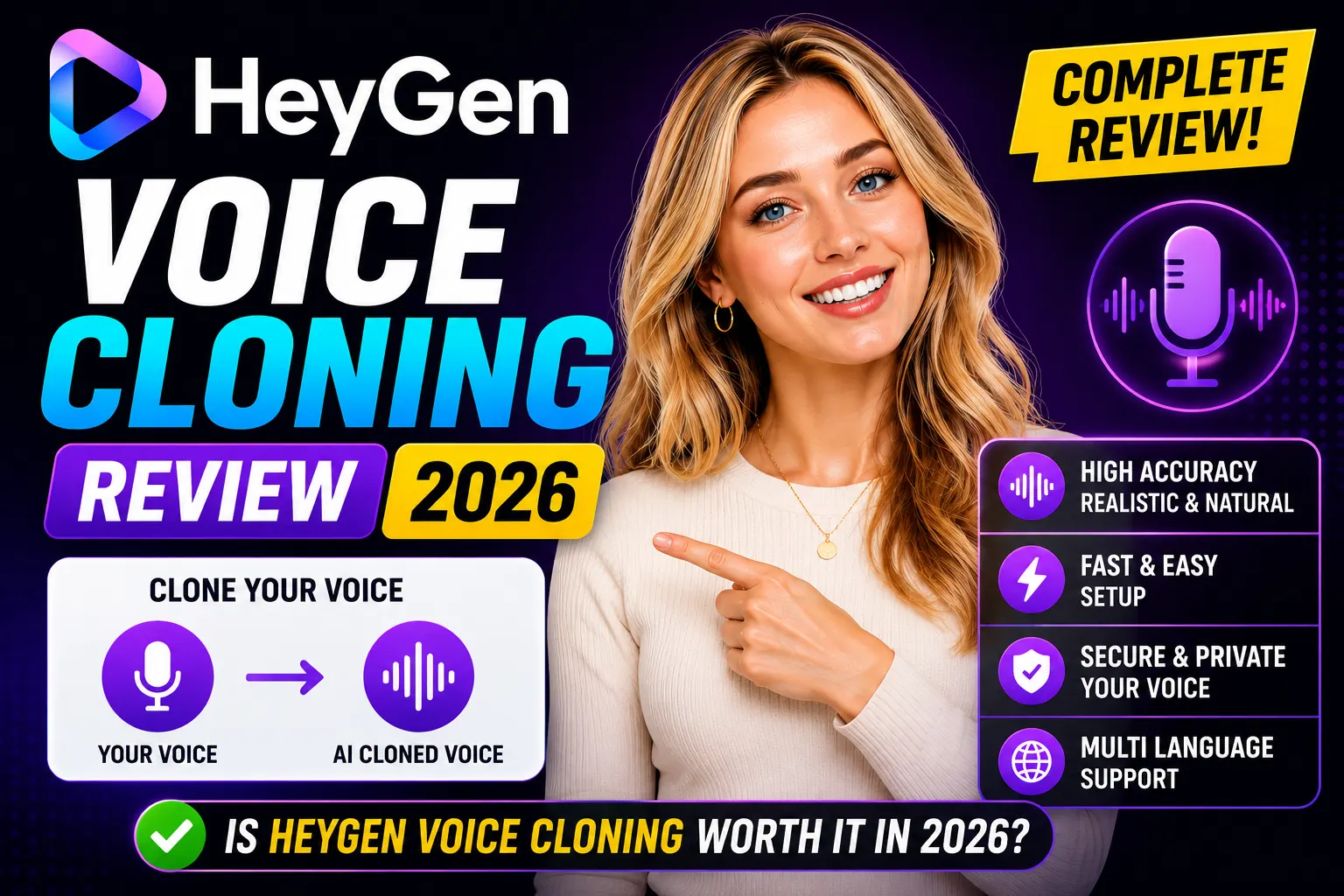
HeyGen voice cloning is a feature available on Creator and higher plans that lets you create a digital copy of your voice from a short audio recording. Once cloned, your AI avatar speaks in your voice — not a preset synthetic voice — across any script you feed it.
The technology works through a neural voice model trained on your sample. HeyGen requires a minimum 30-second clean audio recording, though longer samples (2-3 minutes) produce noticeably better results. The clone captures your pitch, rhythm, and tonal qualities well enough that people familiar with your voice can recognize it.
How to Set Up Voice Cloning in HeyGen
The setup process is straightforward:
- In your HeyGen dashboard, navigate to Voices → Create Voice Clone
- Record directly in-browser or upload a WAV/MP3 file
- HeyGen processes the sample (usually 2-5 minutes)
- Your cloned voice appears in the voice selector for all future videos
Recording tips for better results:
- Use a quiet room with minimal echo — background noise degrades clone quality
- Speak naturally, as if presenting to an audience
- Vary your pace slightly — monotone samples produce flatter clones
- Aim for 2+ minutes of clean speech, not just the minimum 30 seconds
Voice Quality: What to Expect
In testing across multiple speakers with different accents — American English, British English, and non-native English speakers — HeyGen’s voice clones ranged from impressive to adequate, depending on the speaker.
Where It Excels
- Pitch and tone preservation — the overall timbre of your voice is captured well, especially on longer samples
- Natural pacing — unlike traditional TTS, the clone maintains speaker-specific rhythm patterns
- Consistency across scripts — once trained, the clone sounds consistent whether you feed it a 30-second script or a 10-minute presentation
Where It Struggles
- Strong accents — heavy regional accents are preserved but can sound slightly exaggerated compared to the original recording
- Emotional range — the clone is best for neutral to moderately enthusiastic delivery; highly emotional content (excited, sad, urgent) does not translate as convincingly
- Very short samples — the 30-second minimum produces noticeably weaker results than a 2-minute sample
Language Support for Voice Clones
This is where HeyGen’s voice cloning becomes especially powerful. Once you have a cloned voice, you can use it across HeyGen’s full language library — 175+ languages and dialects on the Creator plan. Your avatar can deliver a Spanish script in your voice, with HeyGen synthesizing the pronunciation while preserving your vocal character.
The quality of cross-language cloning varies. European languages (Spanish, French, Italian, Portuguese) produce strong results. East Asian languages (Mandarin, Japanese, Korean) work but with more noticeable synthesis artifacts. The lip-sync stays accurate regardless of language — this is where HeyGen genuinely stands apart from competitors.
Pricing: Is Voice Cloning Worth the Creator Plan?
Voice cloning is locked to the Creator plan at $29/month (or $24/month on annual billing). The free plan only offers HeyGen’s library of preset voices — no cloning capability.
For anyone building a personal brand or creating consistent video content under their own name, the voice cloning feature alone justifies the upgrade. The alternative — recording every video yourself — takes significantly more time and breaks the entire efficiency argument for AI video.
The $29/mo Creator plan also includes unlimited avatar videos, 1080p export, 200 Premium Credits, and video translation — making voice cloning one of several reasons to upgrade rather than the sole justification.
HeyGen Voice Cloning vs Alternatives
Standalone voice cloning tools like ElevenLabs produce higher raw audio fidelity for pure voiceover work. ElevenLabs’ clones capture subtle vocal nuances that HeyGen’s implementation misses.
However, HeyGen’s integration advantage is significant: the cloned voice is embedded directly into your avatar video workflow. With standalone tools, you clone the voice in one platform, generate video in another, and sync them manually. HeyGen eliminates that friction entirely — everything stays in one workspace.
For creators who want AI avatar videos with their own voice, HeyGen is the most practical solution in 2026. For pure audio production (podcasts, audiobooks), ElevenLabs remains the stronger specialized choice.
Pros and Cons of HeyGen Voice Cloning
- Pro: Seamlessly integrated into avatar video workflow
- Pro: Works across 175+ languages — unique capability
- Pro: Consistent across unlimited scripts once trained
- Pro: Setup takes under 10 minutes
- Con: Requires Creator plan ($29/mo) — not available free
- Con: Emotional range is limited compared to real recording
- Con: Short samples produce noticeably weaker clones
Verdict
If you create video content consistently under your own name or brand, HeyGen voice cloning is a genuinely useful feature — not a gimmick. The quality is strong enough for professional content, especially with a 2+ minute training sample and neutral delivery. The cross-language capability is where it becomes genuinely impressive and differentiating.
The limitation on emotional delivery and the Creator plan paywall are real trade-offs. But for tutorial creators, online educators, and marketing teams who want to scale video output without sacrificing brand voice consistency, it earns its place in the stack.
Start with the free plan to test the platform, then upgrade when you are ready to add your cloned voice to the workflow.
Frequently Asked Questions
How long does HeyGen voice cloning setup take?
Recording takes 2-3 minutes. HeyGen processes the sample in 2-5 minutes. Total setup time is typically under 10 minutes from start to first cloned video.
Can I use my cloned voice in multiple languages?
Yes. Once cloned, your voice can be used across HeyGen’s 175+ language library on the Creator plan and above.
Is voice cloning available on the free plan?
No. Voice cloning requires the Creator plan at $29/month (or $24/month billed annually). The free plan only uses HeyGen’s preset voice library.
How realistic is HeyGen’s voice cloning?
With a 2+ minute recording sample in a quiet environment, HeyGen produces a clone that preserves your voice’s tone, pitch, and natural rhythm well. Emotional extremes are less convincing, but neutral-to-moderate delivery is professional quality.