Discovery is Foreplay’s search engine for ads: 200M+ creatives saved by real marketers, searchable by brand, product category, what’s said in the video and how long the ad has been running. It’s the fastest way we know to go from a blank page to five ad ideas worth testing.
Visit Site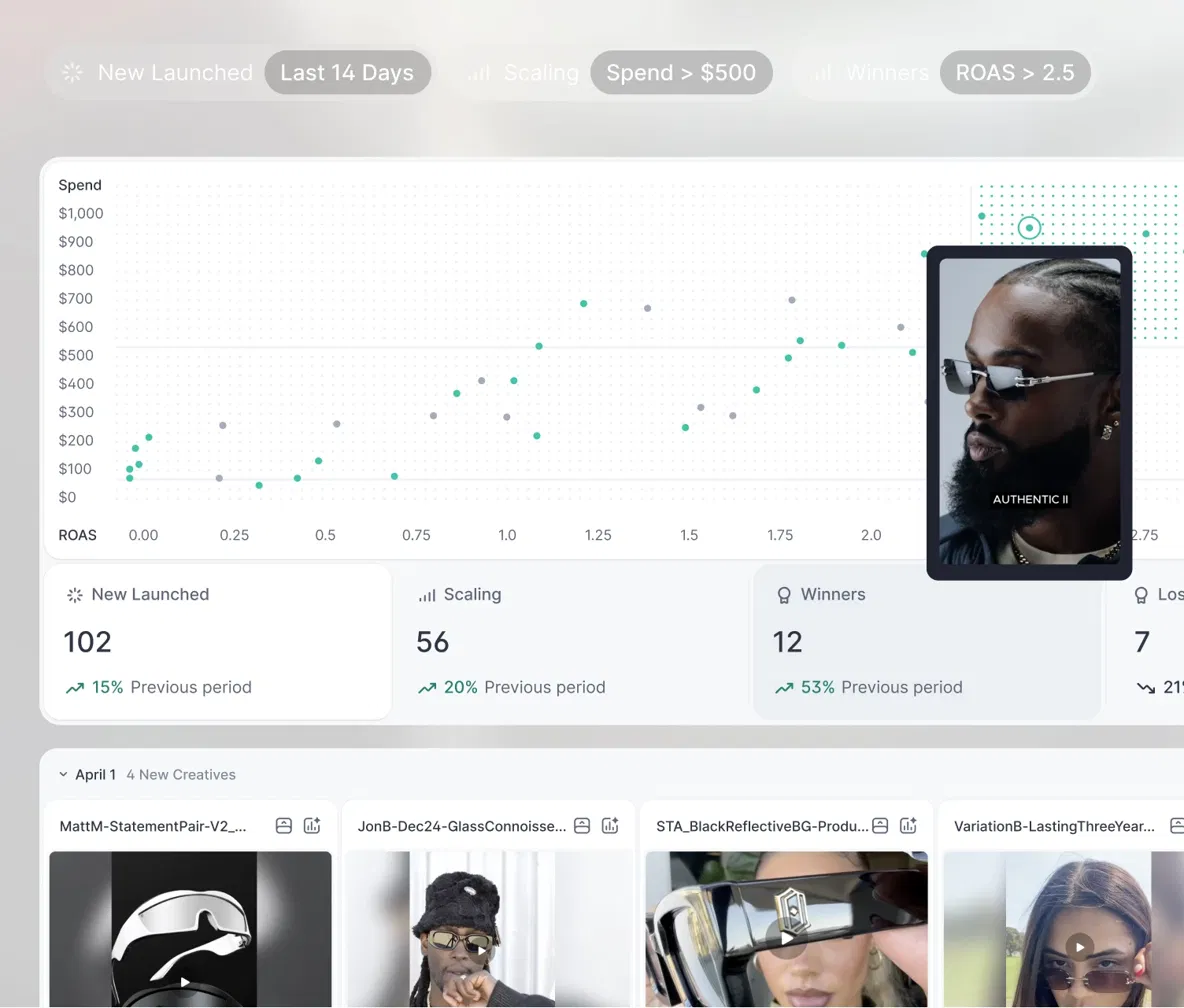
The Blank-Page Problem Every Ad Team Has
It’s Tuesday. The client wants five new concepts by Friday. You open the Meta Ad Library, type in a competitor’s name, scroll for twenty minutes and end up with the same three ideas you had last month.
The Ad Library isn’t built for this. You can only search one advertiser at a time, there’s no way to filter by angle or format, and you have no idea which of those ads are actually working. You’re looking for a needle with no clue which haystack it’s in.
Foreplay Discovery flips the process around. Instead of starting with a brand and hoping, you start with a problem, a product or a hook, and see how hundreds of advertisers have already tackled it.
What Is Foreplay Discovery?
Discovery is a searchable library of ads saved by the Foreplay community. Every time a marketer saves an ad to their Swipe File, it can feed into a shared pool, which means the library leans toward ads people found worth keeping, not random noise scraped off the internet.
Each ad comes with its video, copy, landing page screenshots and running time. Video ads are transcribed automatically, and AI tags each ad with things like emotional driver and the type of person it’s aimed at. All of that becomes searchable.
“I spend 10x more time in Foreplay Discovery than the Meta ads library.”— Jess Bachman, Co-Founder at FireTeam
5 Ways to Find Winning Ads in Discovery
1. Sort by longest running. This is the single most useful filter in the tool. Advertisers don’t keep paying for ads that lose money, so an ad that’s been live for 60, 90 or 200 days is almost always pulling its weight. Start every research session here.
2. Search by what’s said, not just who said it. Discovery’s AI transcript search looks inside the video. Type a phrase like “I was skeptical” or “my dermatologist told me” and you’ll see every ad that uses that line, across every brand. It’s the quickest way to find proven hooks.
3. Search by product category. Type “energy” and Discovery doesn’t just show you brands. It suggests categories like Energy Drinks (over 100,000 ads) and creative targets like low-energy individuals. Suddenly you’re studying an entire market, not one competitor.
4. Filter by emotion and audience. AI emotional analysis and persona detection let you narrow down to ads built on fear of missing out, humor, social proof or a specific buyer type. Great for when a client says “we need something more emotional” and you need examples by lunch.
5. Borrow the experts’ swipe files. Discovery includes swipe files from 100+ creative strategists, media buyers and agencies. It’s like looking over the shoulder of people who build ads for a living.
A 15-Minute Research Routine That Actually Works
- Minutes 1-5: Search your product category, sort by longest running, and save the top 10 to a fresh board.
- Minutes 5-10: Read the transcripts of those 10 and write down every hook in a single list. Look for the ones that repeat.
- Minutes 10-13: Run a transcript search on your best two hooks to see how other industries use them.
- Minutes 13-15: Pick three angles and turn them into a brief. That’s your next creative test.
Do this once a week and you’ll never walk into a creative meeting empty-handed again. Anything worth keeping goes straight into your Swipe File, so it’s still there next month.
Discovery vs. the Meta Ad Library
| Meta Ad Library | Foreplay Discovery | |
|---|---|---|
| Search across many brands at once | Limited | Yes |
| Search inside the video script | No | Yes, AI transcript search |
| Sort by longest running | No | Yes |
| Filter by emotion or audience | No | Yes |
| Ads that already stopped running | Mostly gone | Kept in the library |
| Platforms | Meta only | Meta, TikTok, LinkedIn and more |
| Price | Free | Included from $49/mo |
The Ad Library is still useful for checking what one brand is running today. But for finding ideas, it’s a flashlight. Discovery is the floodlight.
Pros & Cons
Pros- Huge library curated by marketers, not random scraping
- Longest-running sort surfaces likely winners in seconds
- Transcript search finds proven hooks across every industry
- Emotion and persona filters most ad tools don’t offer
- Expert swipe files included at no extra cost
- No free plan; Discovery needs a paid plan after the trial
- Library leans toward paid social; Google ads coverage is limited
- Running time shows how long an ad ran, not its exact results
- So much good stuff that research can turn into scrolling if you don’t set a timer
How Much Does Discovery Cost?
Discovery comes with every plan, including Basic at $59/month, or $49/month billed annually. Basic also includes Swipe File and Briefs, which is everything you need to go from research to a finished brief. If you also want to track specific competitors automatically, that’s Spyder on the Workflow plan; our full Foreplay review breaks down every tier.
💰 Try Foreplay Discovery (Updated September 2026)
Is Foreplay Discovery Worth It?
If you’re responsible for coming up with ad ideas every week, Discovery pays for itself the first time it saves you an afternoon of aimless scrolling. The longest-running sort and transcript search alone are worth the price of Basic.
It won’t write your ads for you, and running time is a signal, not a guarantee. But starting from 20 ads that have been working for months beats starting from a blank Google Doc every single time.
Here’s a simple test. Start the free trial, run the 15-minute routine above for your own product, and count how many new angles you end up with. If it’s fewer than five, cancel and walk away. We don’t think you will.
Visit SiteFAQs
- How big is Foreplay’s ad library?
- Foreplay lists over 200 million ads in Discovery, with more than 100,000 new ads added every day by its community of marketers.
- How do I find winning ads in Foreplay?
- Search your product category, sort by longest running and study the ads that have stayed live for months. Advertisers rarely keep paying for ads that lose money, so running time is a strong signal.
- Can I search inside video ads?
- Yes. Discovery transcribes video ads automatically, so you can search for a phrase or hook and find every ad that uses it.
- Is Discovery included in the Basic plan?
- Yes. Discovery is included in every plan, starting with Basic at $59/month or $49/month billed annually, and every plan has a 7-day free trial.
- Is Discovery better than the Meta Ad Library?
- For finding ideas, yes. The Ad Library only lets you browse one advertiser at a time with no way to sort by performance signals. Discovery searches across brands, scripts, emotions and running time.
Originally published: · Last updated: (pricing and features re-checked).